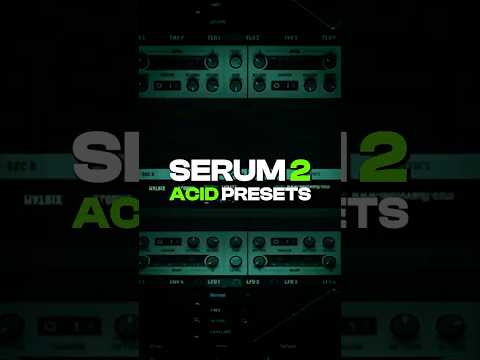
My notes from this Short
Each filter type has its own character
When you make acid techno presets with the diode low shelf, it sounds great, but the dirty filter has a different characteristic. The cutoff ranges and the resonance change, so I redial those in and really play around with them first.
Route filter 1 into filter 2
Then you can combine them. When I like how the dirty filter sounds, I use filter 2, route filter 1 into it and pick the diode low shelf. It rolls off the highs a bit, and when I increase the drive it adds that diode sound on top of the dirty filter.
Same goes for the diode low cut. Cut off the lows a little bit, add drive, and the acid sound comes through a bit more.

Drive knobs as extra distortion
This comes in very handy. A lot of people think they only have one distortion knob, the drive, and no other distortion. But you can use the drive knobs in the filters to make a really big difference.

Want some free packs? Unlock our freebie vault.
We only send you techno content. Unsubscribe anytime.
Open the Freebie Vault