My notes from this Short
01
Resonance on the low mids
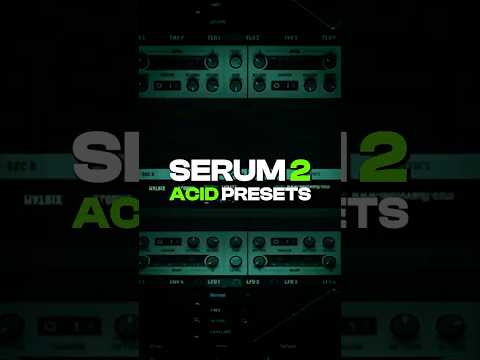
I shorten envelope 1 for the volume and make sure to add release to both envelopes. Then I open up the filter and select the Acid Ladder.
Add some resonance and make sure you're hitting the low mids. Add envelope 2 to the cutoff and make it open up around 1000 Hz.

02
High velocity on the cutoff and curve
Now I use the node to accentuate high velocity with the cutoff, and I add the same thing to the curve. Make sure in the matrix that it actually goes up.
The hard clip in the effects is doing all the hard work. Just add a Diode in front.
What I use in this video

Want the full version?
How to Make Acid Techno in Serum 2Full tutorial, 10:46Access hundreds of techno sounds, presets & project files
Want some free packs? Unlock our freebie vault.
We only send you techno content. Unsubscribe anytime.
Open the Freebie Vault