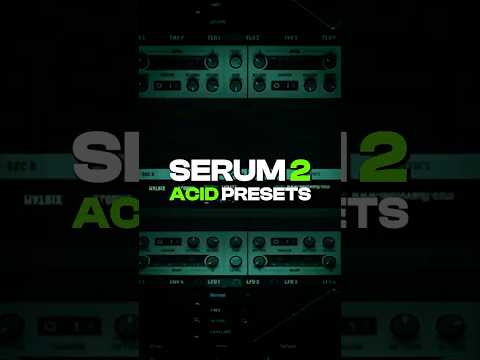
My notes from this Short
Diode low shelf with envelope 2 on the cutoff
I start off with a saw wave and open filter 1. I really like the diode low shelf. Take envelope 2, take that down a bit and add it to the cutoff, then increase the resonance.
Go to the effects and add distortion on hard clip, all the way. Now you can really hear the resonance.

Velocity moves the cutoff range
Find the lowest point, add a macro, and find the highest point where it still sounds like acid. Most acid melodies have velocity changes, so I assign the velocity to the cutoff range as well. This way the cutoff responds to velocity changes.
A high pass in filter 2 and a squeeze warp
Then I open filter 2, route filter 1 into it and disable oscillator 2. Change it to a high pass, take down the resonance and add some drive. An EQ afterwards adds more highs and really brings it to life.
Add a delay on ping pong with the mid frequency at 1814, that works. Finally I add a squeeze warp to the saw wave to get more of that acid sound.

Want some free packs? Unlock our freebie vault.
We only send you techno content. Unsubscribe anytime.
Open the Freebie Vault