My notes from this Short
Filters beyond the Moog Series Low 12
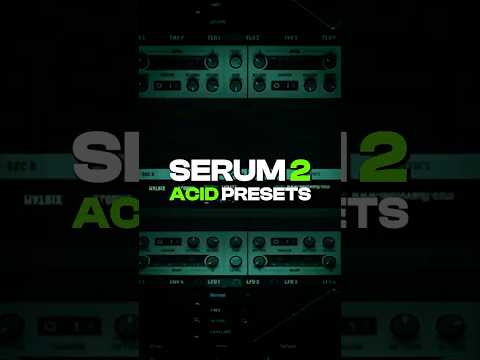
Every filter in Serum 2 has its own characteristic that changes your acid sound so much. Most people just opt for the Moog Series Low 12, but I can choose any filter that has a little bit of low pass, high pass or band pass character.
For example, the French low pass sounds completely different. Same goes for the German low pass. Or change it back to the Acid Ladder, which comes with the Smooth knob that smooths off the attack of the acid.
A diode next to the hard clipper
The next thing, which is a cheat code, is stacking distortions. I don't just use a hard clipper, I throw in a Diode as well.
Then keep adding distortions, like an asymmetrical wave shaper in front that only shapes the positive side. Most people just throw on a simple filter and a simple distortion, but doing this instead is a lot of experimentation.


Want some free packs? Unlock our freebie vault.
We only send you techno content. Unsubscribe anytime.
Open the Freebie Vault