My notes from this Short
One voice into a band pass
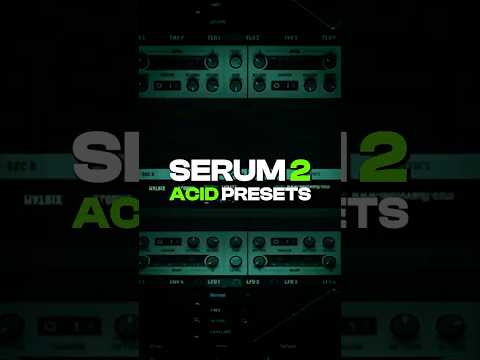
I set the voices to 1, add legato, add a glide and take down the release. Open filter 1, take Analog 24 dB and change it to a band pass. Open up the resonance slightly and take it down to around 100 Hz.

A long decay plus a snappy envelope
Take envelope 2, create a very long decay, add it to the cutoff and take it down. This will be the long attack of the acid.
Envelope 3 will be shorter, the snappy part of the acid sound. It needs to be added with a really small amount.
Soft or hard clip and velocity
In the effects, add distortion, a soft clip or hard clip depending on how much distortion you want. Increase the decay and the release of each envelope to your liking, then add the velocity to the cutoff.
You can spice it up by adding some EQ, chorus, flanger and some unison.

Want some free packs? Unlock our freebie vault.
We only send you techno content. Unsubscribe anytime.
Open the Freebie Vault